How to Make a Lovable App Production-Ready: A 12-Point Checklist
Your Lovable app works in the preview, then breaks when real users arrive. This 12-point checklist covers the security, data, reliability and deployment fixes that turn a prototype into a product.
On this page · 5 sections
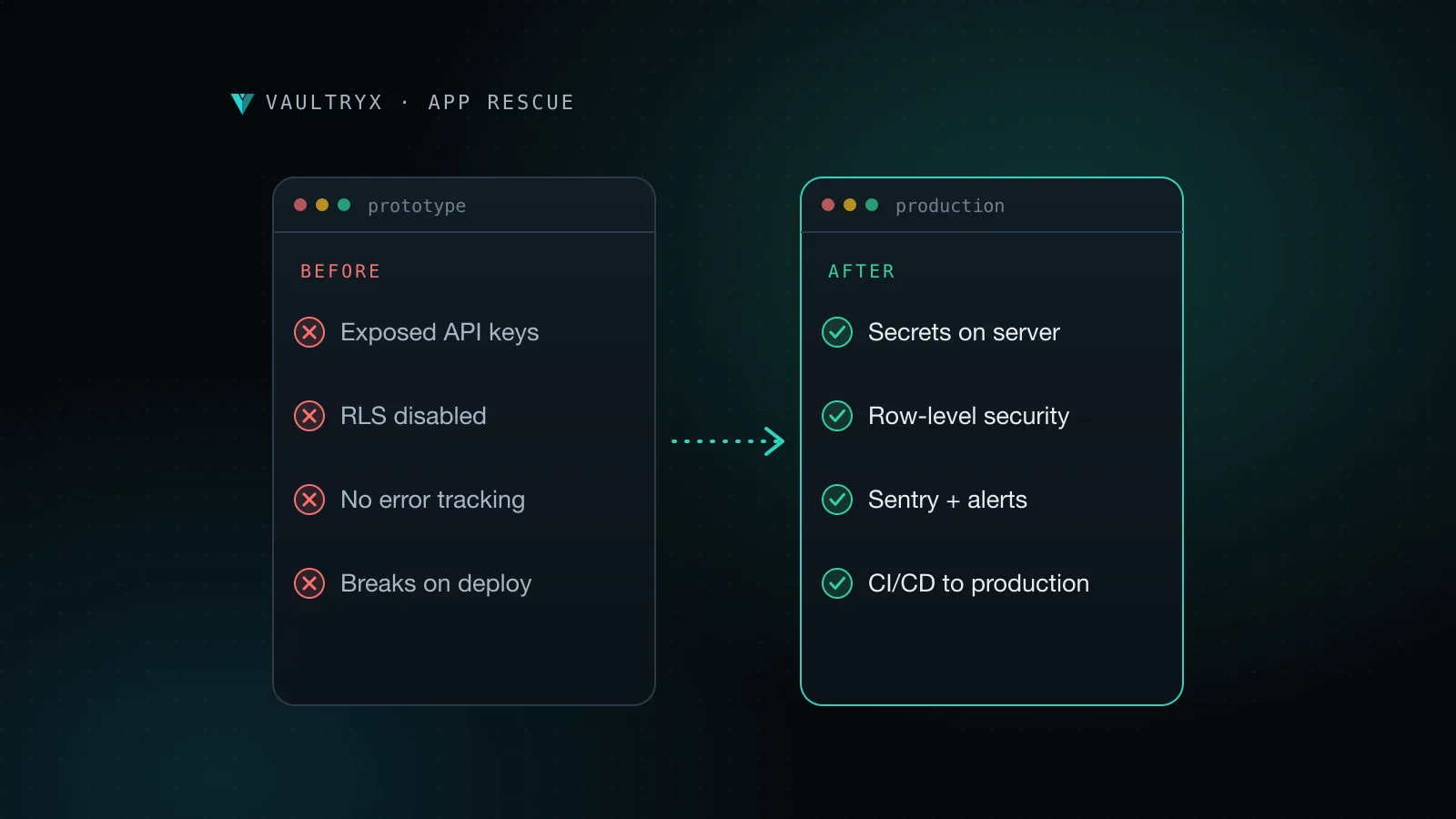
Getting a Lovable app production-ready is a different job from building it. Lovable is excellent at turning an idea into a working React interface with a Supabase backend in a few hours. What it does not do for you is decide who may read which rows, where your secrets live, what happens when a payment webhook fails, or how you roll back a bad release. This checklist covers what a Lovable project needs before it can survive real customers.
You rarely need to rewrite the app. In most cases the bulk of the generated code can stay. The work is in the parts that are invisible in a demo: security rules, data handling, error handling and a proper release process.
Why Lovable apps break after launch
A preview environment hides problems because only you use it. You are always logged in, the database is nearly empty, and nobody is trying to read another customer's data. Launch changes all three at once.
The most common failures in vibe-coded apps are:
- Data leaks between users. Tables without row-level security let any logged-in user query everyone's records through the public API.
- Secrets in the browser. API keys for OpenAI, Stripe or email providers end up in front-end code, where anyone can copy them from the network tab.
- Silent errors. A failed request shows a blank screen, and nobody on the team finds out until a customer complains.
- Slow pages as data grows. Queries that were instant with 20 rows take seconds with 20,000.
- Risky releases. Changes go straight from the editor to the live site with no staging copy and no way back.
If any of those sound familiar, work through the list below in order. The first four items are about security and should be fixed before you invite a single paying user.
The 12-point production checklist
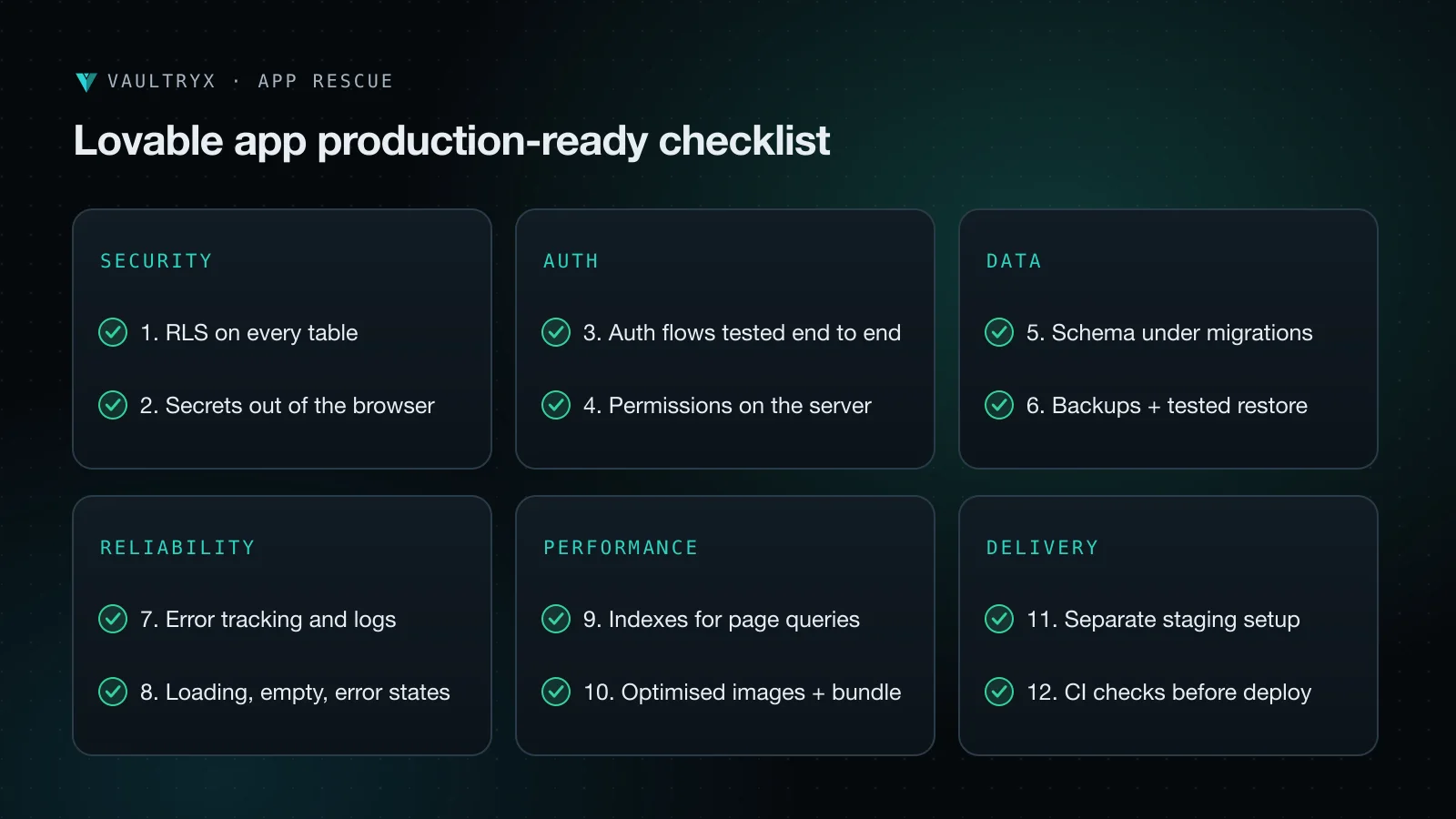
1. Turn on row-level security for every table
Lovable apps usually talk to Supabase directly from the browser using the public anon key. That is safe only when row-level security (RLS) is enabled on every table and each table has policies that limit rows to their owner or organisation. Open the Supabase dashboard, check every table in the public schema, and write explicit policies for select, insert, update and delete. The Supabase RLS guide explains the syntax. Then test it: log in as user A and try to fetch user B's records. If you get data back, you have a leak.
2. Move secrets out of the browser
The Supabase anon key is meant to be public. Almost nothing else is. The service role key, AI provider keys, Stripe secret keys and email API keys must only exist on the server, in Supabase Edge Functions or in your backend's environment variables. Search the codebase for strings like "sk_" and "service_role", rotate any key that was ever shipped to the client, and move those calls behind a server function.
3. Check auth flows end to end
Sign up, email verification, password reset, magic links and sign out all need to work on the production domain, not only on the preview URL. Set the site URL and redirect URLs in Supabase Auth, customise the email templates, and test each flow in a private browser window. Add rate limits or a CAPTCHA on sign-up if the app is public.
4. Enforce permissions on the server
Hiding an admin button in the interface is not access control. Any action that changes money, roles or other users' data must check the caller's role on the server, inside a database policy, an Edge Function or an API route. Assume someone will call your endpoints directly with a tool like curl.
5. Put the database schema under migrations
Changes made by clicking in the dashboard are hard to repeat and impossible to review. Export the current schema with the Supabase CLI, commit it as a migration, and make every future change a new migration file in Git. This is what lets you create an identical staging database and rebuild production after an incident.
6. Back up the database and test a restore
Confirm which backup plan you are on and how far back you can restore. Then actually restore a backup into a scratch project once. A backup you have never restored is a hope, not a plan.
7. Add error tracking and logs
Install an error tracker such as Sentry in the front end and in every server function. Log the request, the user id and the error, but never passwords, tokens or full payment details. Set an alert so that a spike in errors reaches a person within minutes.
8. Handle loading, empty and error states
Generated screens often assume the happy path. Go through each page and make sure it shows a clear loading state, a helpful empty state for new accounts, and a friendly error with a retry button. This alone removes a large share of the "the app is broken" support messages.
9. Index the queries your pages run
List the filters and sort orders your main pages use, such as user_id, organisation_id, status and created_at, and add database indexes for them. Paginate every list instead of loading all rows. Use the Supabase query performance report to find the slowest statements.
10. Optimise images and bundle size
Serve images in WebP or AVIF at the size they are displayed, lazy-load anything below the fold, and remove unused libraries from the bundle. Run Lighthouse on a mobile profile and aim for a performance score of 90 or more on your landing and sign-up pages, because those pages decide your conversion rate.
11. Split staging from production
Create a second Supabase project and a second hosting environment for staging. New features go to staging first, get tested with realistic data, and only then reach production. Keep separate keys for each environment so a test can never write to live data.
12. Add CI checks before every deploy
Connect the repository to GitHub and run type checks, linting, tests and a dependency audit on every pull request. Deploy production only from the main branch after the checks pass. This turns releases from a nervous moment into a routine one, and gives you a clean history to roll back to.
How long does it take to fix a Lovable app?
For a typical app with 10 to 30 screens, a security and production pass takes one to three weeks. Security fixes (items 1 to 4) usually take two to five days. Migrations, backups and monitoring add a few more. The timeline grows when the data model needs restructuring or when payments and multi-tenant organisations are involved.
Fix it yourself or hire help?
If you are technical and the app is small, this checklist is enough to work through on your own. Bring in help when real customer data, payments or compliance are involved, when you have already had a data incident, or when every change seems to break something else. An outside review is also worth it before a fundraising round, because investors increasingly ask how an AI-built product is secured.
Our vibe-coded app rescue service covers this whole list: a written audit, the fixes, and a move to production hosting that you own. If you are planning the next version as a proper SaaS product, read our guide on how to build a SaaS MVP with Next.js.
FAQ
Is a Lovable app secure by default?
Not fully. Lovable includes a security scan and follows sensible patterns, but row-level security policies, secret handling and server-side permission checks depend on your data model and must be reviewed by a person before launch.
Can I keep using Lovable after the app is production-ready?
Yes. Many teams keep Lovable for interface work and use GitHub sync, so changes still go through pull requests, CI checks and staging before they reach users.
Do I need to migrate away from Supabase?
Usually not. Supabase is a solid production platform when RLS, backups and migrations are set up properly. Moving to another database only makes sense for specific compliance or cost reasons.
What does a production-readiness audit include?
A review of database policies, secrets, authentication, server-side permissions, error handling, performance and the release process, with every issue ranked by risk and a fix estimate.
Ready to launch with confidence? Tell us about your app and we will send a fixed quote after a short call.